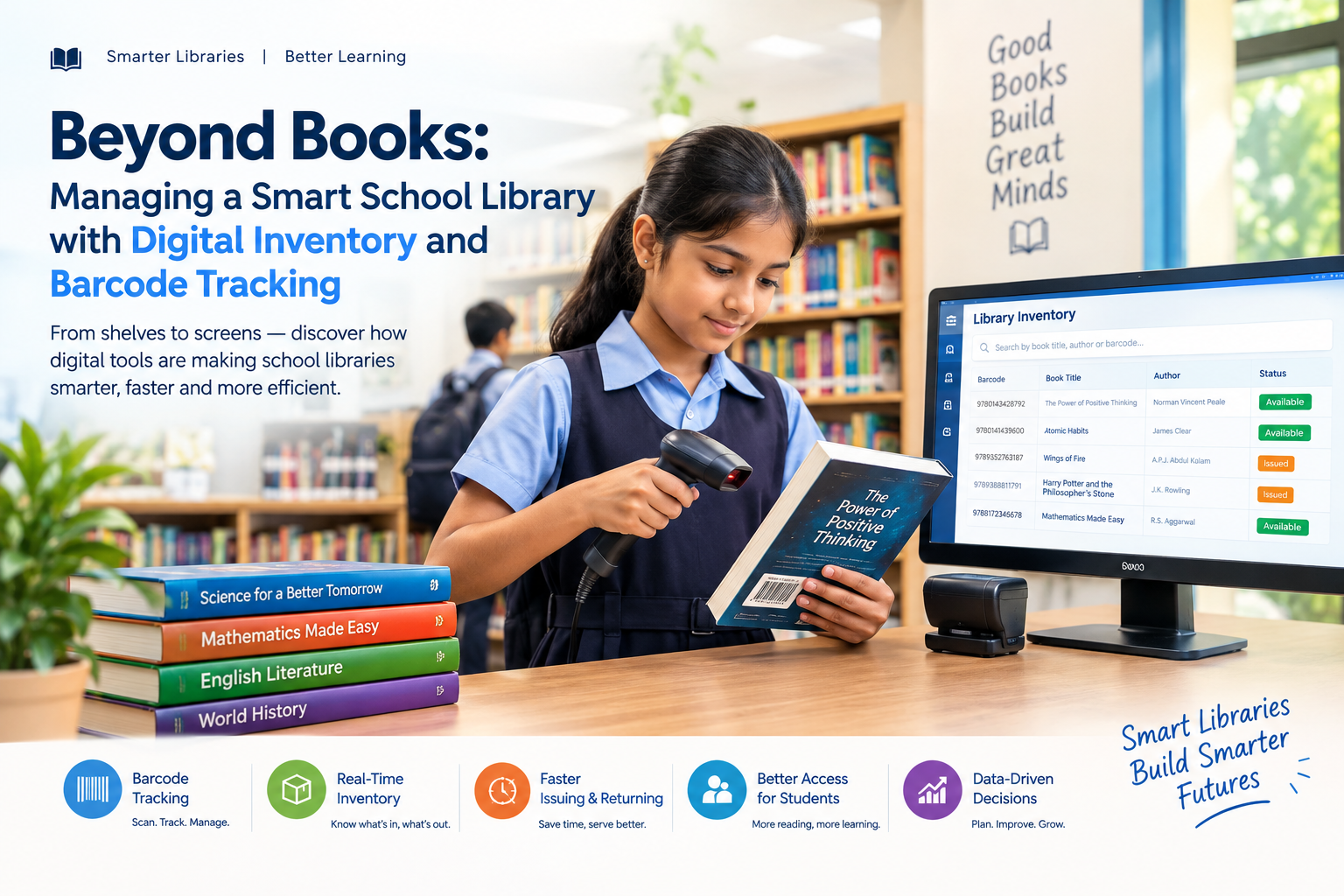
A school library is more than just a room filled with books. It is a learning space where students discover new ideas, develop reading habits, and access valuable educational resources. But managing hundreds or thousands of books manually can become difficult for librarians and school administrators.
Maintaining handwritten registers, searching for missing books, tracking issue and return dates, and updating inventory records can consume valuable time. This is where digital library management with inventory and barcode tracking can make a significant difference.
A smart school library uses technology to simplify everyday operations, improve accuracy, and provide better visibility into library resources.A smart school library uses technology to simplify everyday operations, improve accuracy, and provide better visibility into library resources.
Why Traditional Library Management Can Become Difficult
Many schools still depend on manual registers or spreadsheets to manage their libraries. While these methods may work for a small collection, they can become challenging as the number of books and students increases.
Common problems include:
- Difficulty maintaining accurate book records
- Time-consuming issue and return processes
- Lost or misplaced books
- Manual calculation of overdue books
- Difficulty tracking student borrowing history
- Duplicate or outdated inventory records
- Limited visibility into available books
- Time spent searching for specific books
- Difficulty preparing library reports
A digital library system addresses these challenges by bringing book inventory, student records, borrowing history, and tracking into one centralized platform.
What Is a Digital School Library Management System?
A digital school library management system is software that helps schools manage books, students, borrowing activities, returns, inventory, and library reports electronically.
Instead of maintaining everything in physical registers, librarians can record and access information through a centralized digital system.
Depending on the software, a school library system can help manage:
- Book catalogues
- Author and publisher information
- Book categories
- Student membership
- Book issue and return
- Due dates
- Overdue records
- Fine management
- Book availability
- Inventory
- Borrowing history
- Library reports
This makes daily library operations more organized and easier to manage.
How Barcode Tracking Makes Library Management Smarter
One of the most useful features of a modern library management system is barcode tracking.
Each book can be assigned a unique barcode. The barcode contains an identification number that allows the system to recognize the book quickly.
When a student borrows a book, the librarian can scan the student's identification card and the book's barcode. The system can then record the transaction digitally.
The same process can be used when the book is returned.
This significantly reduces the amount of manual data entry required by librarians.
How the Digital Issue and Return Process Works
A smart library can simplify the borrowing process into a few basic steps.
Step 1: Register the Book
The librarian enters important book information into the system, such as:
- Book title
- Author
- ISBN
- Publisher
- Category
- Edition
- Accession number
A unique barcode can then be assigned to the book.
Step 2: Register Students
Student information can be connected with their library accounts or school ID cards.
This creates a digital borrowing profile for each student.
Step 3: Scan the Student ID
When a student wants to borrow a book, the librarian scans the student's ID or library card.
Step 4: Scan the Book Barcode
The librarian scans the barcode attached to the book.
The system can automatically record the book, student, issue date, and expected return date.
Step 5: Return and Update
When the student returns the book, the librarian scans the barcode again.
The system updates the book's status and makes it available for the next borrower.
This process is faster and more consistent than maintaining handwritten entries.
Benefits of Digital Inventory Management for Schools
A digital inventory system gives schools better control over their library collection.
1. Know Exactly What the Library Has
A centralized inventory makes it easier to maintain a complete record of books.
Librarians can quickly check whether a particular title is:
- Available
- Issued
- Overdue
- Lost
- Under maintenance
This improves visibility across the entire library.
2. Faster Book Search
Instead of manually checking shelves or registers, librarians can search the digital catalogue using information such as title, author, category, or ISBN.
Students can also benefit from faster identification of available resources when the system provides search functionality.
3. Reduce Manual Errors
Manual data entry can lead to spelling mistakes, duplicate records, incorrect dates, or missing information.
Barcode-based transactions reduce repetitive typing and can improve the accuracy of library records.
4. Track Student Borrowing History
A digital system can maintain a student's borrowing history.
Librarians can see information such as:
- Books currently borrowed
- Previously borrowed books
- Due dates
- Overdue books
- Return history
This provides a clearer picture of library usage.
5. Better Overdue Tracking
Tracking overdue books manually can take considerable time.
A digital system can identify books that have passed their return date and help librarians follow up with students.
If supported by the school's ERP, reminders can also be integrated with communication features.
Barcode Tracking Helps Reduce Lost Books
Lost books can become a significant problem for school libraries.
With manual systems, it may be difficult to determine when a book was issued, who borrowed it, or when it was expected to be returned.
With barcode tracking, each book has a digital identity.
The school can connect the book's barcode with:
Book → Student → Issue Date → Due Date → Return Status
This creates a clear transaction history and makes accountability easier.
Digital Library Reports for School Administrators
Another important advantage of digital library management is reporting.
School administrators can generate reports to understand how the library is being used.
Possible reports may include:
- Total number of books
- Available books
- Issued books
- Overdue books
- Lost books
- Most borrowed books
- Student borrowing history
- Category-wise inventory
- Library activity reports
These reports can help schools monitor resources and plan future purchases.
Integrating the Library with a School ERP
The real advantage comes when the library system is connected with the school's broader School ERP software.
Instead of keeping student information, attendance, fees, academics, transport, and library records in separate systems, an integrated ERP can bring different school operations together.
For example:
Student Management + Library + Attendance + Academics + Fees + Communication
This creates a more connected digital ecosystem for the school.
When a student's information is already available in the ERP, the library team may not need to maintain separate student records manually.
Digital vs. Manual Library Management
| Feature | Manual Library | Digital Library |
|---|---|---|
| Book records | Registers/spreadsheets | Centralized database |
| Book search | Manual | Digital search |
| Issue process | Manual entry | Barcode scanning |
| Return tracking | Manual | Automated record update |
| Overdue tracking | Time-consuming | Easier monitoring |
| Borrowing history | Manual records | Digital history |
| Inventory reports | Manual preparation | System-generated reports |
| Book identification | Manual | Barcode-based |
| Data accessibility | Limited | Centralized |
The exact features available will depend on the library management software used by the school.
Digital vs. Manual Library Management
FeatureManual LibraryDigital Library
Book recordsRegisters/spreadsheetsCentralized database
Book searchManualDigital search
Issue processManual entryBarcode scanning
Return trackingManualAutomated record update
Overdue trackingTime-consumingEasier monitoring
Borrowing historyManual recordsDigital history
Inventory reportsManual preparationSystem-generated reports
Book identificationManualBarcode-based
Data accessibilityLimitedCentralized
The exact features available will depend on the library management software used by the school.