Online Exam Software for Schools: Features, Cost, Setup
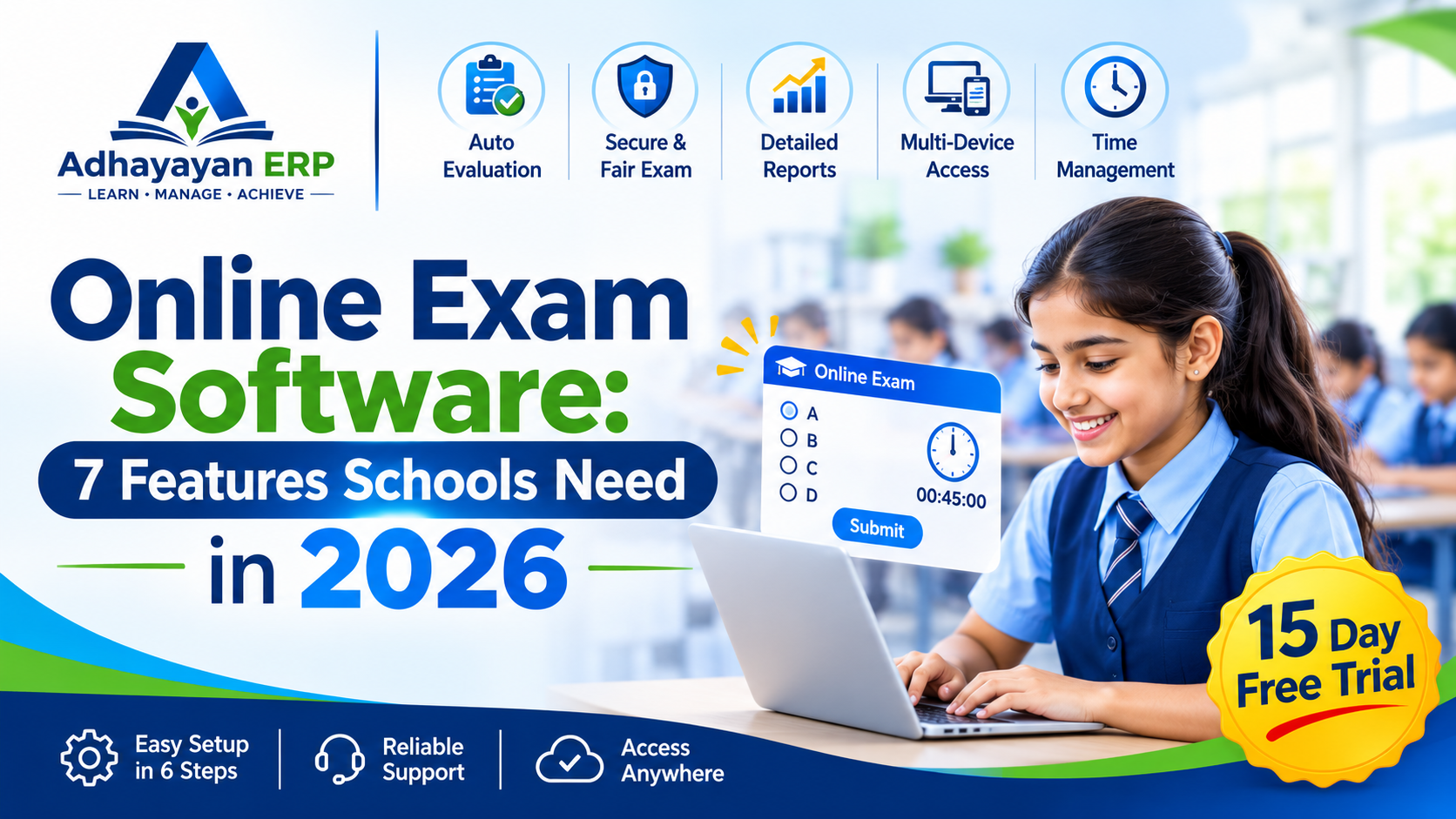
Online exam software lets a school set, run and score tests on a computer or phone, and Adhayayan ERP includes online exams in all three plans, from ₹20 to ₹60 per student per month.
Most vendors promise speed, but few show you the security checks, reports and real prices. This guide walks through the features, costs and setup steps, and it points to our academic management system guide for exam marks and report cards for schools that also want results in one place.
At A Glance
• Price: ₹20 to ₹60 per student per month
• Plans with online exams: Basic, Standard and Pro
• Free trial: 15 days
• Apps: Android and iOS
• Single JEE and NEET mock tests on the site cost ₹5 to ₹25.
What Is Online Exam Software And How Does It Work?
Online exam software is a program that stores questions, delivers timed tests to students on their devices, scores objective answers and reports results to teachers. Schools use it for unit tests, term exams and practice papers.
Think of it as a test room, an answer sheet and a mark register inside one login. Teachers build the paper, students attempt it within a time limit, and the system records every answer. A typical test moves through five stages:
• Teachers add questions to a subject and topic bank.
• The school schedules the test for chosen classes.
• Students log in and answer against a countdown timer.
• The system scores objective answers when the test ends.
• Teachers, parents and admins view results in their own logins.
Teachers stop retyping papers and marking objective answers by hand, while principals see class results without chasing registers. Parents see scores sooner, and students get feedback while the topic is still fresh. Each role works from its own login, so nobody edits what they should only read.
Adhayayan lists topic wise questions and unlimited practice tests under its Monthly Olympiad service, which shows how a question bank supports repeated practice across subjects.
Why Should Schools Move To An Online Exam Platform?
Schools move to an online exam platform to cut printing, speed up marking of objective papers and keep every student’s results in one record. The change saves teacher hours and gives parents faster feedback.
Good online exam software also removes the paper trail that slows down result day. Compare the two approaches task by task:
|
Task |
Paper exam |
Online exam |
|
Setting the paper |
Staff type, print and stack copies |
Teachers pick questions from a stored bank |
|
Marking objective questions |
Checked by hand, script by script |
Scored automatically on submission |
|
Publishing results |
Compiled after marking is finished |
Available once the test closes |
|
Keeping records |
Papers filed in cupboards |
Stored against each student profile |
|
Repeat practice |
A new print run every time |
Tests can be reopened for practice |
The biggest saving is time. A teacher who once spent an evening marking a stack of objective scripts can review a score list in minutes and use the hours saved to plan remedial work for weak topics.
Students gain from repeated practice too, and you can see this model on Adhayayan’s JEE and NEET mock test library, where tests use a real exam interface and instant score analysis.
Which Features Should Good Exam Software Include?
Strong online exam software should cover seven things: a question bank, timed tests, negative marking, instant scoring, mobile access, role based logins and reports. Anything less leaves teachers doing manual work after the test.
• Question bank: store questions by subject and topic so teachers reuse them every term.
• Timed tests: a countdown timer keeps every student on the same clock.
• Negative marking: support schemes such as +4 for a correct answer and -1 for a wrong one.
• Instant scoring: objective answers are marked the moment a student submits.
• Mobile and desktop access: students attempt tests on a phone, tablet or computer.
• Role based logins: admins, teachers and parents see only what they need.
• Class and student reports: compare sections and spot weak topics quickly.
Do not judge a tool by its feature list alone. Ask a teacher to build a ten question paper during the demo and time how long it takes. A tool that needs a long training session before the first test will slow adoption in your staff room.
Adhayayan ERP lists several of these on its full features page, including role based access, real-time reports and exam scheduling.
How Do Online Testing Platforms Keep Exams Secure And Fair?
Online testing platforms protect exams through secure logins, role based access, encrypted data, backups and controlled question release. Fairness comes from timed delivery and a clear record of who changed which mark and when.
Adhayayan ERP lists secure login with data encryption, role based access and automatic backups. Ask any vendor to demonstrate the same controls on your own sample exam rather than accepting a slide.
Scale matters too. The National Testing Agency ran JEE Main 2026 Session 2 in computer-based mode for about 11.23 lakh candidates across around 566 centres, according to an All India Radio news report, and said it had stringent security protocols in place.
A school-level online exam software setup faces a far smaller load, but the same questions apply. Put these four to every vendor:
• Who can edit a mark after the test closes?
• How are papers hidden before the start time?
• Where is exam data backed up?
• What happens if a student’s connection drops mid test?
Test the answers during the demo. Open a paper as a teacher, then try to view it as a student before the start time. A sound setup should block that attempt, and that one check tells you more than a page of security claims.
How Much Does An Online Examination Platform Cost In India?
Adhayayan ERP prices its school platform at ₹20, ₹40 or ₹60 per student per month, and online exams appear in all three plans. Your final quote depends on student strength, staff count, chosen modules and prepaid or postpaid billing.
|
Plan |
Price per student per month |
Estimate for 500 students |
Estimate for 1,000 students |
|
Basic |
₹20 |
₹10,000 per month |
₹20,000 per month |
|
Standard |
₹40 |
₹20,000 per month |
₹40,000 per month |
|
Pro |
₹60 |
₹30,000 per month |
₹60,000 per month |
The totals above are simple multiplication at the listed rates, so treat them as estimates rather than a quote. The Adhayayan ERP pricing section names the same modules under all three tiers, so ask in the demo what actually changes between Basic, Standard and Pro.
When you compare any online examination platform, divide each quote by your student count and check which modules, training and support it covers. Students who only want practice pay far less: the mock test page lists JEE Physics Sprint at ₹5 and JEE Advanced Mock Test 1 at ₹25.
Budget for training and onboarding as well as the licence. Teachers need time to learn the question bank, and your first term runs more smoothly when one coordinator per department owns the setup. Ask what onboarding support the quote includes before you sign.
How Do You Set Up Online Exams In A School?
You can set up online exam software in six steps: pick the exam types, load questions, build the paper, schedule it, run a practice test and review the reports. Start with one class and one subject, then expand.
1. List the exam types you need, such as unit tests, term exams or olympiad practice.
2. Load questions into the bank by subject, chapter and topic.
3. Build the paper and set the duration, marks and negative marking.
4. Assign the test to classes and fix a date and time.
5. Run a short practice test so students learn the screen before a graded exam.
6. Review class and student reports, then share results with parents.
Once results arrive, principals can turn them into decisions with the approach in our guide to data driven school management.
Keep a short record of every test: date, class, subject and average score. After two terms, those records show which topics need re-teaching and which classes need extra practice, which is the real return on moving exams online.
Frequently Asked Questions
What Does Exam Software Cost Per Student Each Month?
Adhayayan ERP lists online exam software from ₹20 to ₹60 per student per month. The final quote depends on student strength, staff count, selected modules and prepaid or postpaid billing.
Is There A Free Trial Or Demo?
Adhayayan ERP advertises a 15 day trial and a free demo. Request one from the contact page and ask to see the exam module with your own sample questions.
Can Students Attempt Tests On A Phone?
Adhayayan ERP offers Android and iOS apps, and its platform works on mobile, tablet or desktop. Test the exam screen on the devices your students actually own before you commit.
What Should An Online Examination Platform Support?
At minimum, multiple choice questions, timed delivery, negative marking such as +4 and -1, instant scoring and subject wise reports. Ask about numeric answers and images if your papers need them.
Do Online Exams Replace Written Exams Completely?
Not usually, because objective tests suit online delivery while long written answers and practical work often stay on paper. A mixed approach lets you move papers online gradually.
Who Can See Exam Results In The System?
Role based access controls this. Adhayayan ERP lists separate school admin, teacher and parent logins, and the parent login shows exam results and attendance.
How Do You Get Started With A Free Demo?
Book a demo on the Adhayayan ERP contact page and ask to see the exam module with your own questions. Bring one real test paper and judge the online exam software on how quickly a teacher can turn it into a timed online test.
Serving Bengaluru, Karnataka.