How A Lesson Plan App For Teachers Saves Prep Hours
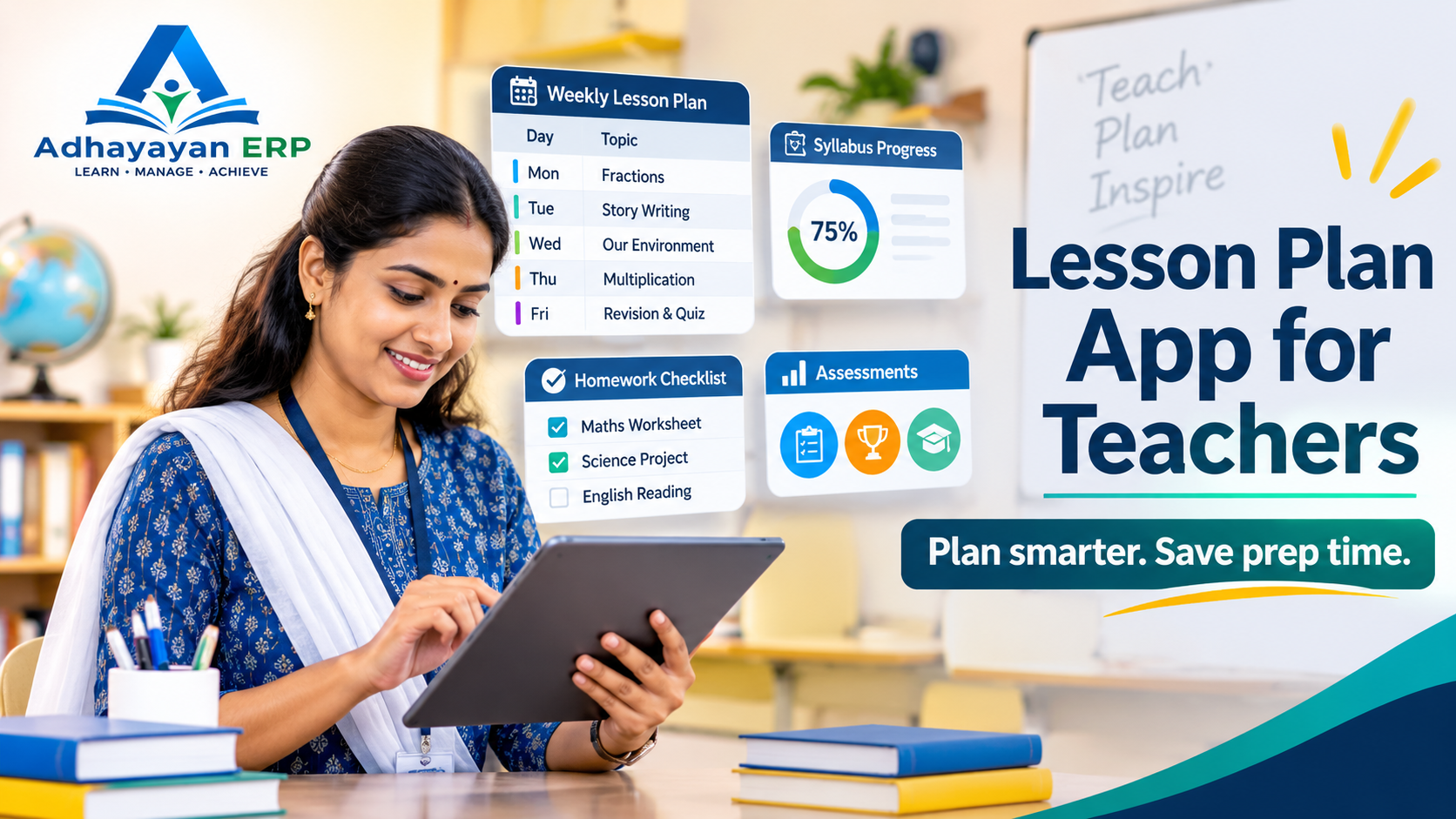
A lesson plan app for teachers keeps plans, syllabus progress, homework and assessments in one place, and it matters because the OECD average is about 6.5 planning hours a week. Adhayayan ERP offers teacher tools from ₹20 per student per month.
Most schools still keep plans in diaries, loose files and personal spreadsheets. This guide shows what to look for, how planning connects to exams and parents, and what it costs. If you already track marks digitally, our academic management system guide for syllabus and report cards covers the base layer.
At A Glance
• Price: ₹20 to ₹60 per student per month
• Free Trial: 15 days
• Apps: Android and iOS
• Setup Time: 3 to 7 working days
• Teachers get classes, homework, exams and reports inside one login.
What Is A Lesson Plan App And Why Do Teachers Need One?
A lesson plan app for teachers is a digital tool that stores weekly and daily plans, links them to the syllabus, and lets staff reuse, share and track them. Teachers need one because paper diaries hide progress from principals and disappear between terms.
A good plan answers five questions for each period. What will students learn, what will the teacher do, which resources are needed, what homework follows, and how will understanding be checked?
Teacher lesson planning software does not write the plan for you. It removes the retyping, the hunting for last year’s file and the end of term scramble to show what was actually covered.
Take a Class 6 maths period on fractions. The plan names the objective, lists a five minute warm up and two worked examples, sets six practice questions as homework, and ends with a three question check. Saved once, it can be reused and improved next year.
Typical gains for a school include:
• Plans copied forward each term instead of rewritten
• Substitute teachers who can open the day’s plan in seconds
• Principals who see syllabus coverage without chasing diaries
• Homework and assessments tied to the topic taught
Schools moving toward skill based teaching can write plans around competencies instead of chapters. The competency based education guide for schools walks through that shift in six steps.
How Much Time Do Teachers Spend On Planning Each Week?
Lower secondary teachers across OECD countries reported about 6.5 hours a week on planning and lesson preparation, out of 38.8 working hours. That is roughly 17 percent of the week, according to the TALIS 2018 snapshot published by ACER.
The same data shows teachers marking student work for about 4.2 hours and spending around 78 percent of class time on actual teaching and learning. Planning is therefore one of the biggest blocks of a teacher’s week.
Most of that time goes into a few repeating jobs:
• Reading the syllabus and choosing the order of topics
• Writing objectives and activities for each period
• Making worksheets, slides and practice questions
• Adjusting the plan for faster and slower learners
These numbers come from an international survey, so treat them as a benchmark rather than a verdict on your staff. Ask your own teachers to log planning hours for one week. A lesson plan app for teachers cannot remove that time, but it can stop the same work from being repeated every term.
What Features Should Teacher Planning Software Include?
Good teacher planning software covers seven things: reusable plan templates, syllabus mapping, timetable links, homework posting, assessment links, parent visibility and mobile access. If any of these is missing, part of the planning still ends up in a notebook.
|
Feature |
What It Does |
Why It Matters |
|
Plan templates |
Gives every teacher the same structure |
Plans stay consistent across classes |
|
Syllabus mapping |
Links each plan to a chapter or topic |
Principals see coverage at a glance |
|
Timetable link |
Connects plans to periods and classes |
No clash between plan and schedule |
|
Homework posting |
Sends tasks from the plan to students |
Parents see what was set |
|
Assessment link |
Ties quizzes and tests to the topic |
Weak topics show up early |
|
Parent visibility |
Shares progress and notices |
Fewer calls and repeat messages |
|
Mobile access |
Works on phones and tablets |
Teachers plan between periods |
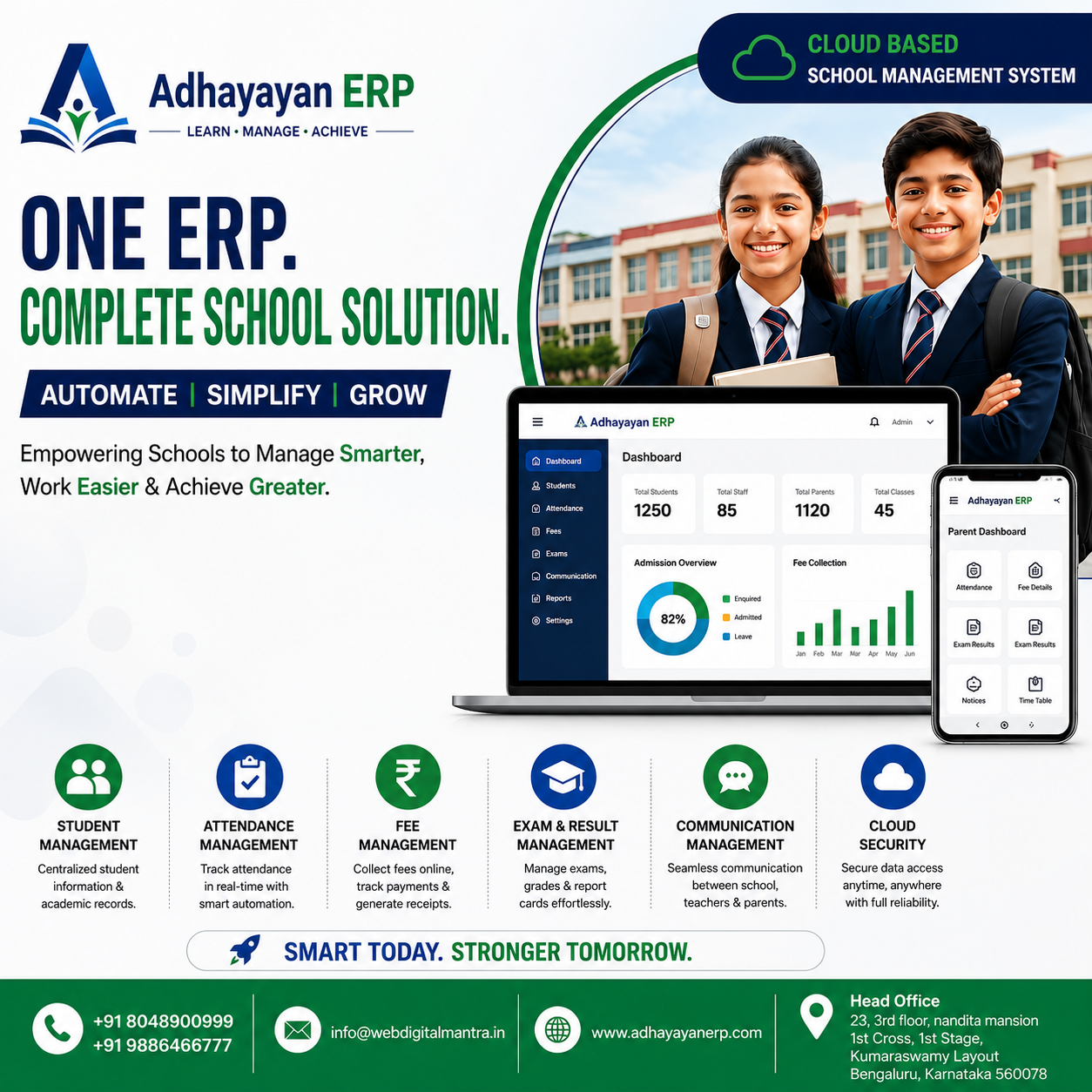
Adhayayan ERP lists a teacher login for class management, homework and exams, student performance, parent communication and reports. You can see the wider module list on its features page.
Its academic management guide also mentions syllabus goals and topic completion tracking. Ask the team during a demo exactly how plan templates work for your board, because that detail varies by school.
Bring these questions to any vendor demo:
• Can a teacher copy last term’s plan and edit it in under a minute?
• Can a principal filter plans by class, subject and week?
• Can plans carry homework and test links?
• Does the teacher planning app work offline or on a weak connection?
How Does A Planning Tool Compare With Notebooks And Spreadsheets?
A lesson plan app for teachers beats notebooks and spreadsheets on sharing, reuse and visibility, while paper still wins on speed for a quick sketch. Most schools find the app pays back once more than a few teachers share the same syllabus.
|
Area |
Notebook Or Diary |
Spreadsheet |
Planning App |
|
Reuse next term |
Rewrite by hand |
Copy the file |
Copy the plan forward |
|
Principal view |
Collect diaries |
Merge many files |
One dashboard |
|
Substitute cover |
Find the diary |
Find the file |
Open the day’s plan |
|
Link to homework |
Written separately |
Separate column |
Same screen |
|
Parent updates |
Not connected |
Not connected |
Shared through the app |
Paper is not the villain. Many teachers sketch ideas on paper first, and that is fine. The gain comes when the final plan lives somewhere the school can read, search and reuse.
How Can A Planning App Connect Lessons To Assessment?
A lesson plan app for teachers connects lessons to assessment when each plan carries a topic tag, and quizzes or tests use the same tag. Results then show which topics need re-teaching, which is the real return on digital planning.
Adhayayan ERP lists online exams in all three plans. Our online exam software guide explains question banks, timed tests and instant scoring, which fit naturally after a planned lesson.
A simple loop works well:
1. Plan the lesson against one topic.
2. Run a short check at the end of the week.
3. Read the topic report on Monday.
4. Adjust next week’s plan for weak areas.
What Does A Teacher Planning App Cost For A School?
A teacher planning app is usually priced per student, not per teacher. Adhayayan ERP lists three plans at ₹20, ₹40 and ₹60 per student per month, and the final quote depends on student strength, staff count, chosen modules and billing type.
|
Plan |
Price Per Student Per Month |
Estimate For 500 Students |
Estimate For 1,000 Students |
|
Basic |
₹20 |
₹10,000 per month |
₹20,000 per month |
|
Standard |
₹40 |
₹20,000 per month |
₹40,000 per month |
|
Pro |
₹60 |
₹30,000 per month |
₹60,000 per month |
The totals are simple multiplication at the listed rates, so treat them as estimates rather than a quote. The website lists the same modules under every tier, so ask what changes between Basic, Standard and Pro.
Add onboarding and training to your budget. The academic module typically takes 3 to 7 working days to set up, according to the site’s own guide.
How Do You Start With A Lesson Plan App For Teachers In One Term?
Start with one subject and one grade for a single term. Choose a shared template, load the syllabus, and review progress monthly. This is the safest way to test a lesson plan app for teachers before every class moves over.
1. Pick one subject, one grade and two or three willing teachers.
2. Agree one plan template with five fields: objective, activity, resources, homework and check.
3. Load the term syllabus so each plan maps to a topic.
4. Plan every week inside the app and share homework through it.
5. Review coverage and weak topics after four weeks, then decide whether to expand.
Share a short progress note with parents each month. The parent-teacher communication guide lists simple ways to do it without extra paperwork.
Expect a slow first fortnight. Teachers need time to learn the screen, so protect a short weekly slot for planning inside the tool.
Avoid three common mistakes:
• Rolling out to every class before one pilot term is reviewed
• Letting each teacher invent a different plan format
• Judging staff on how many plans they upload instead of how useful they are
Frequently Asked Questions
What is the best lesson plan app for teachers in India?
The best lesson plan app for teachers fits your board, works on a phone and links plans to homework and exams. Compare two or three tools in a live demo using one real weekly plan.
Is a teacher planning app different from a school ERP?
A teacher planning app focuses on plans and classroom tasks, while a school ERP also covers fees, attendance, transport and records. Many schools prefer one system so data is not entered twice.
Can teachers use the app on a phone?
Adhayayan ERP offers Android and iOS apps, and its platform works on mobile, tablet or desktop. Test the planning screen on the devices your staff actually own.
Does the software replace a teacher’s own judgement?
No. The tool stores and organises plans, while the teacher decides what to teach and how, so good software removes retyping and searching, not professional choices.
How long does it take to set up?
Adhayayan ERP states that the academic module typically takes 3 to 7 working days, including subject mapping, teacher portal setup and staff training.
Is there a free trial?
Yes. Adhayayan ERP advertises a 15 day trial and a free demo, so ask to see the teacher login with one of your own lesson plans.
What Is The Fastest Way To Start?
Bring one real weekly plan to a demo and see how quickly it fits inside the tool. Book a free demo with the Adhayayan ERP team, and judge the lesson plan app for teachers by how fast your own staff can use it.
Serving Bengaluru, Karnataka.